Reference
Get started with your status page
Your status page is a reliable place where customers can get up-to-date information about the operation of your services. The status page lets you quickly inform subscribers about new incidents and scheduled maintenance. Timely communication builds trust and prevents potential misunderstandings. It also significantly reduces the number of repeat support requests when issues arise.
1
Go to the creation pageHere you can launch your status page at
Enter your company name. We’ll create a subdomain for you, but you can enter your own if you prefer. Then click Continue.
statusmate.top
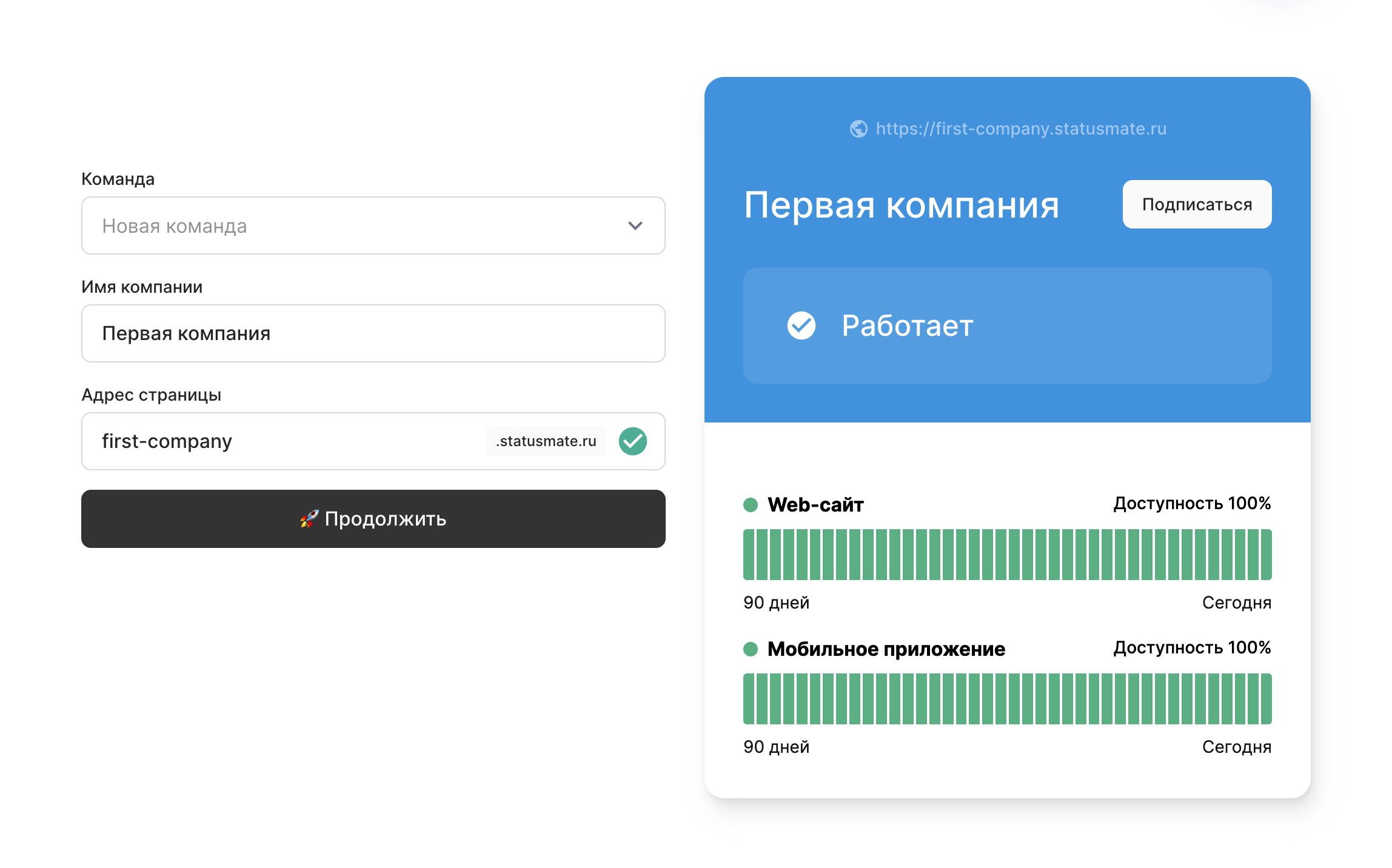
2
Add componentsYour status page can cover various components and subcomponents of your services. Here are some examples: App, API, Database, Servers, Network. Don`t worry — you don`t need to list everything right now. You can always add more components later via the dashboard. Click Save components.
statusmate.top
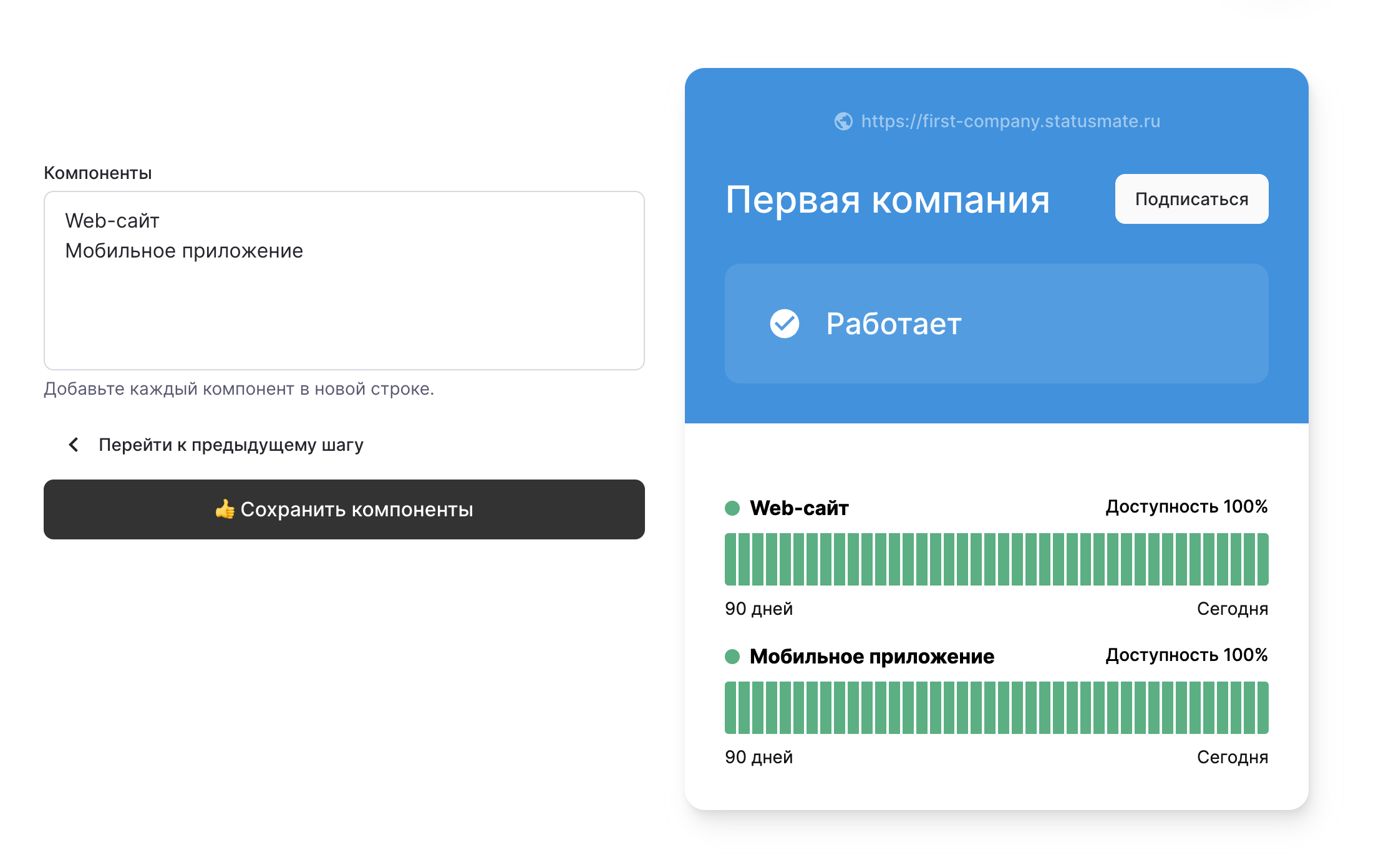
3
Customize your status page (optional)Add your logo and site icon. Choose a layout you like and define a color scheme to match your branding. Once you’re done, click the Get Page button.
statusmate.top
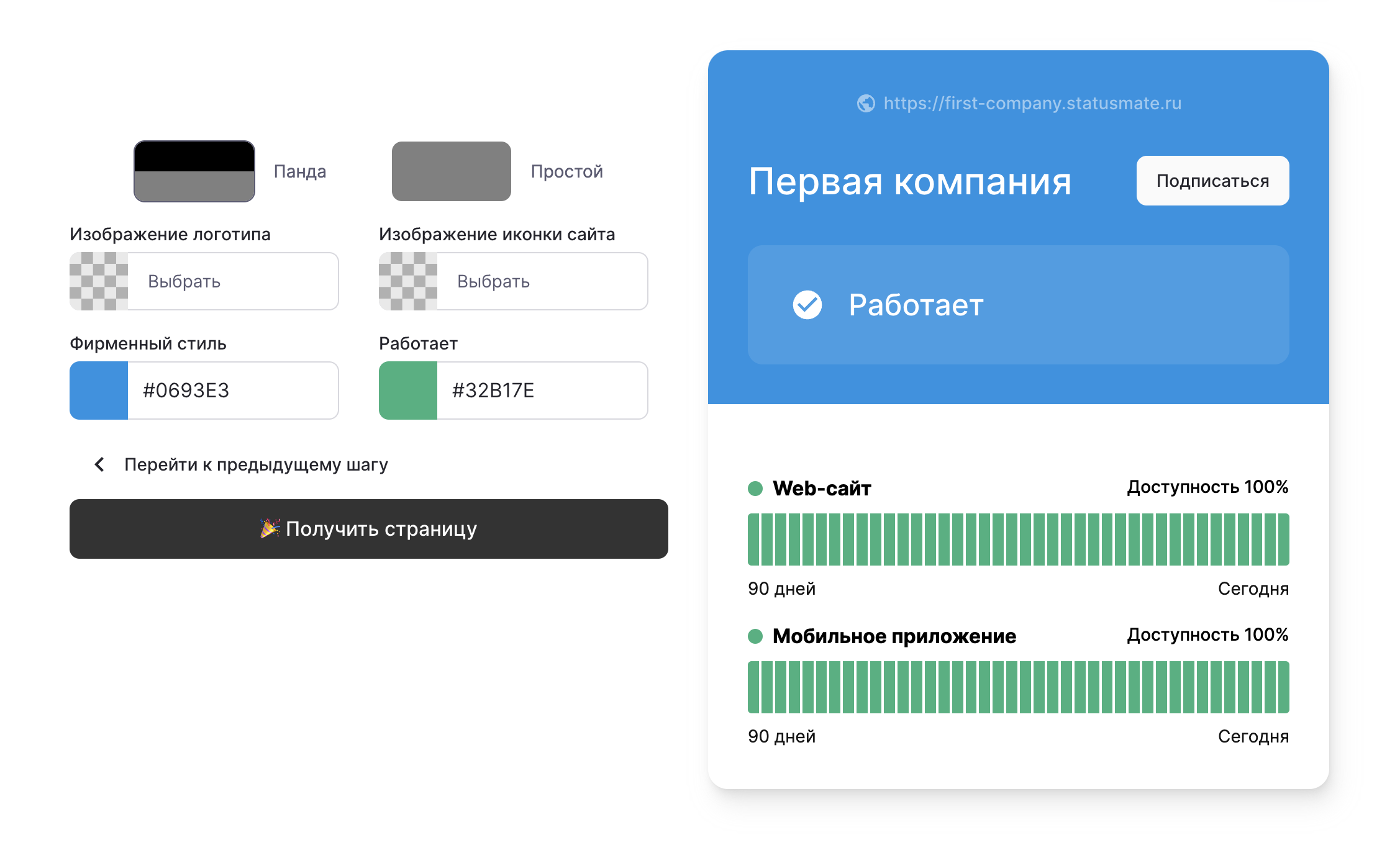
Готово! 🥳
Congratulations! Your new status page is live. Now you can use it to keep all your customers informed about the current status of your services.