Reference
Branding
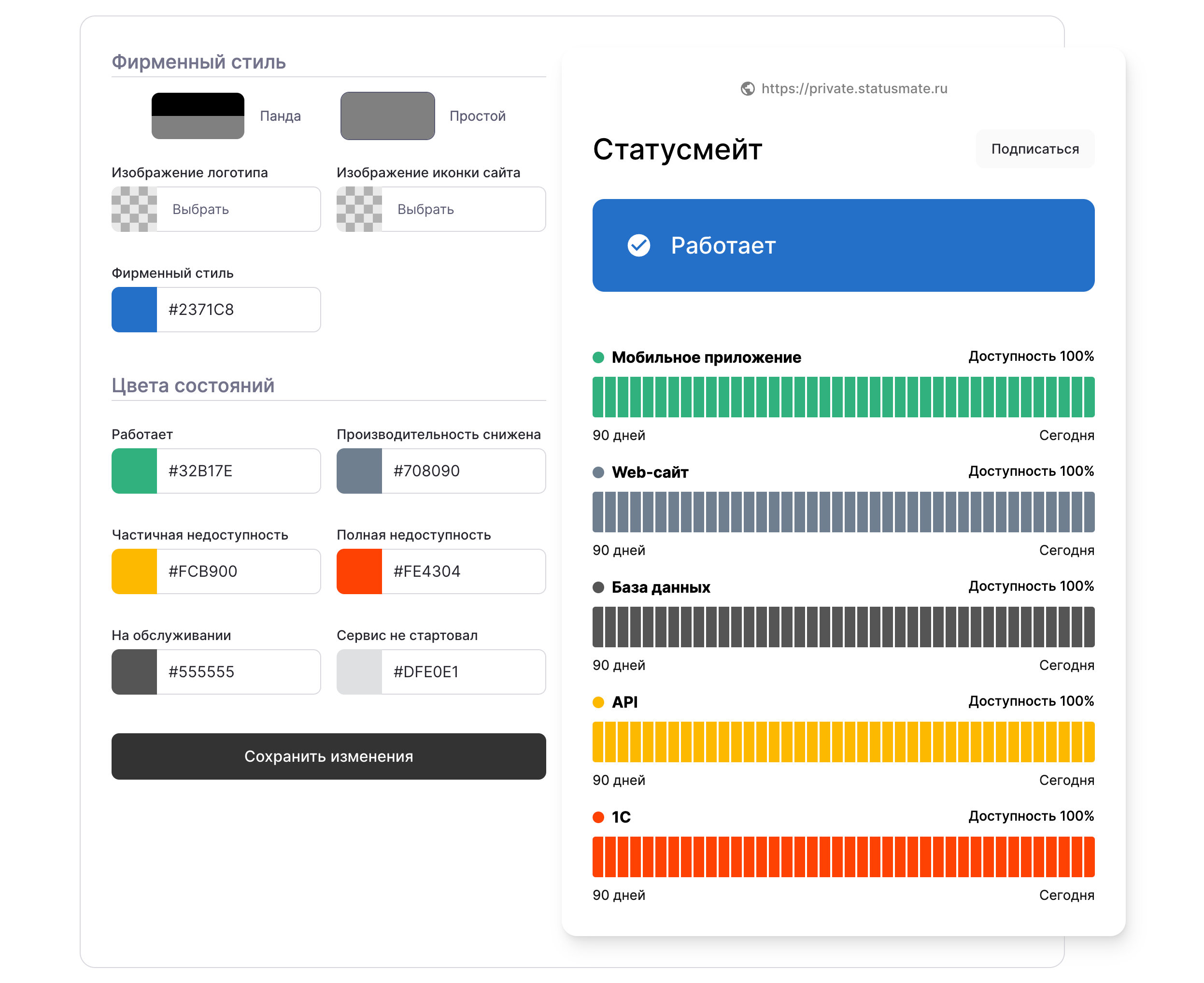
Statusmate allows you to fully customize your status page to match your brand. Add your logo, choose colors, select from various designs, and add your own HTML, CSS, and JavaScript.
Use your brandingTo customize your status page, sign in at , select your status page, then go to
Settings
→ Theme
. In the Branding
section, you can change:- Brand logo
- Site icon (favicon)
- Brand color to match your logo
- Status colors
statusmate.top
Page updated! 🎉