Reference
Component Management
Components are the main building blocks of your service. These can be various parts such as your website, mobile app, or API (Application Programming Interface). Here’s how to set up and manage these components.
Add a ComponentLog in to your status page at , then select your status page.
Navigate to components, then click the
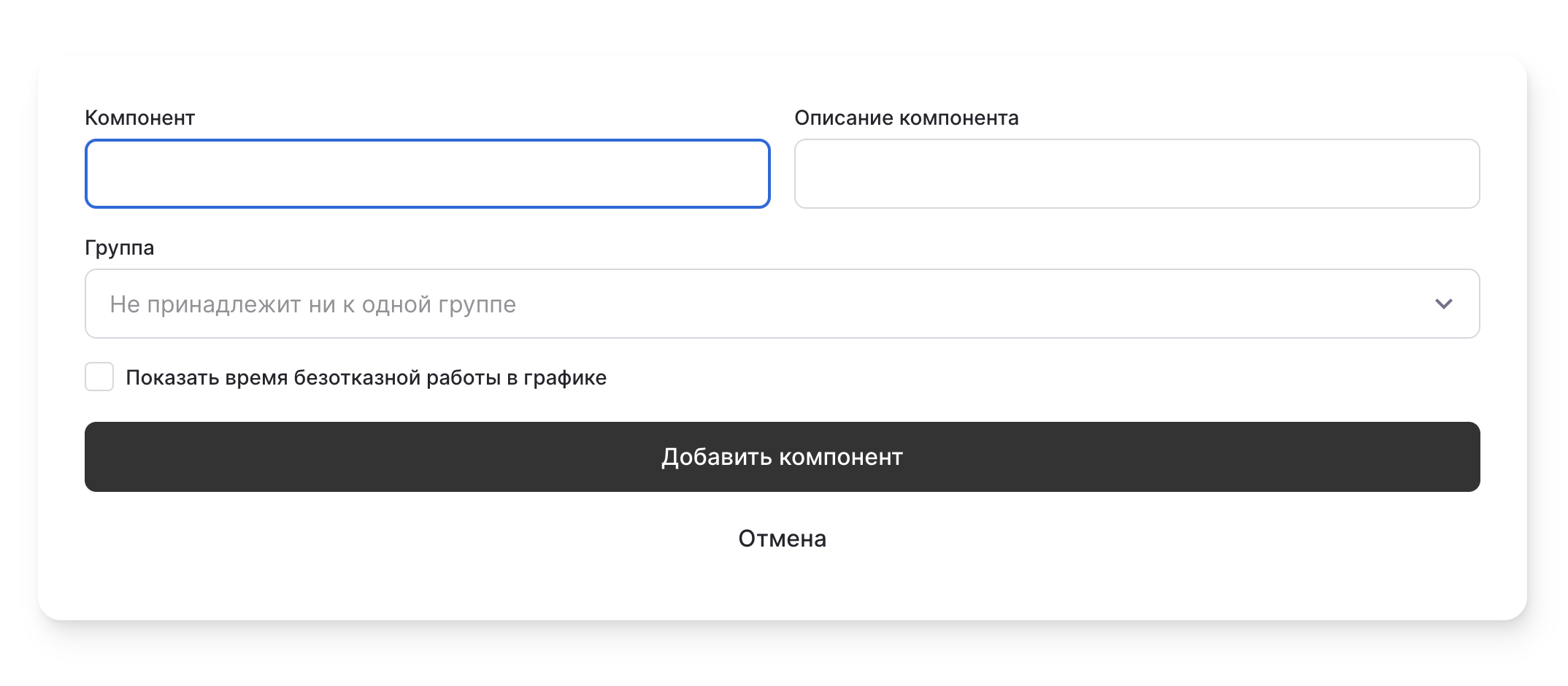
After clicking, a form will appear:
Add Component
button:After clicking, a form will appear:
- Component name
- Component description
- Component group
- Whether to display uptime on the chart
Click Add Component, and it will be added to your page.
statusmate.top
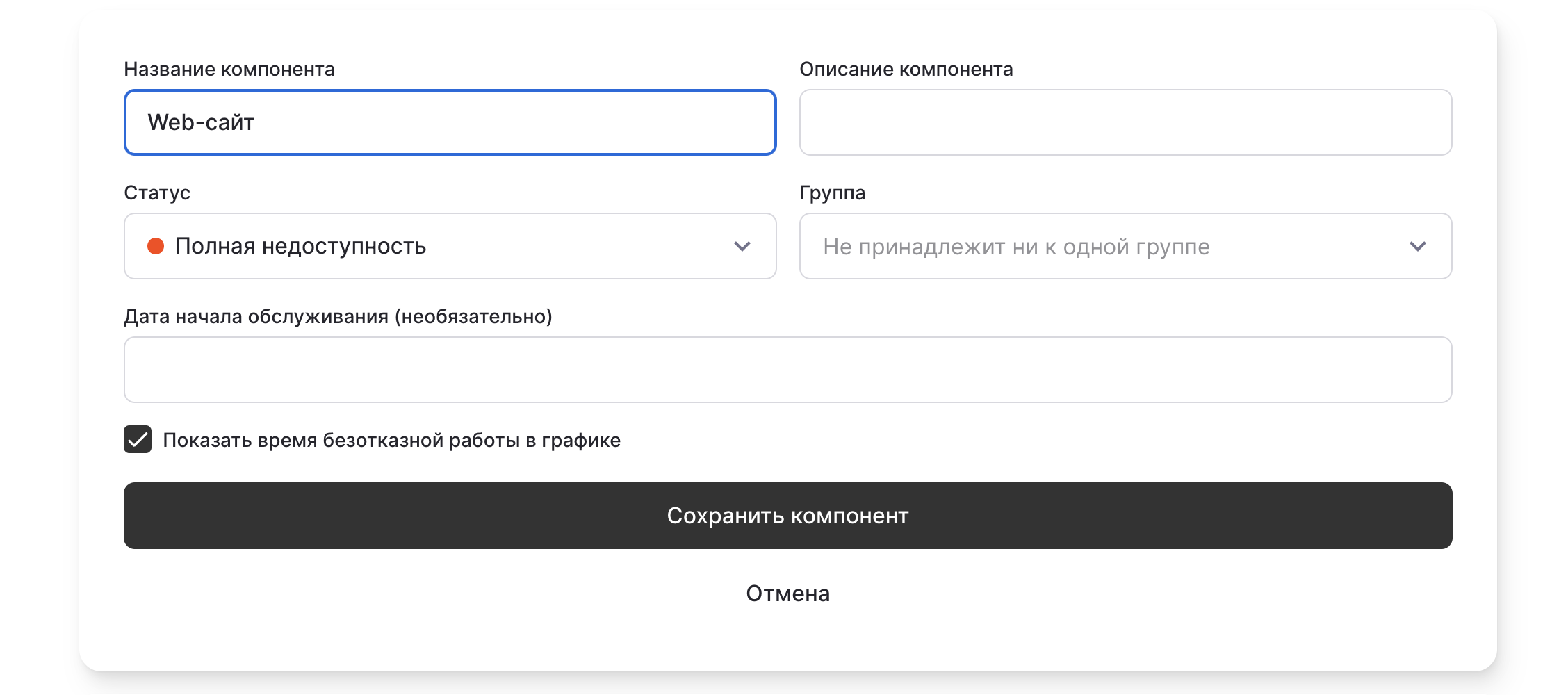
To change the component name or update its status, simply click on the component.
Then you will be able to:
- Edit the name
- Edit the component status
- Edit the group
- Edit the uptime display
statusmate.top
Component updated! 🍺
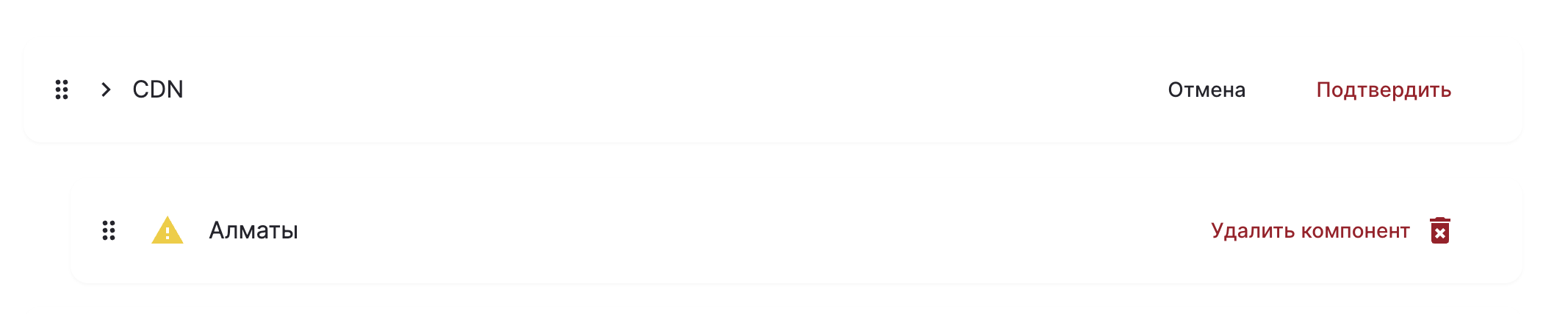
You can delete a component by clicking
Delete Component
and then pressing Confirm
.statusmate.top