Reference
Custom Domain
1
Add Your Own DomainTo set up your status page, sign in at , select your status page, then go to
Settings
→ Domain
.2
Enter your address in the Custom Domain
fieldstatusmate.top
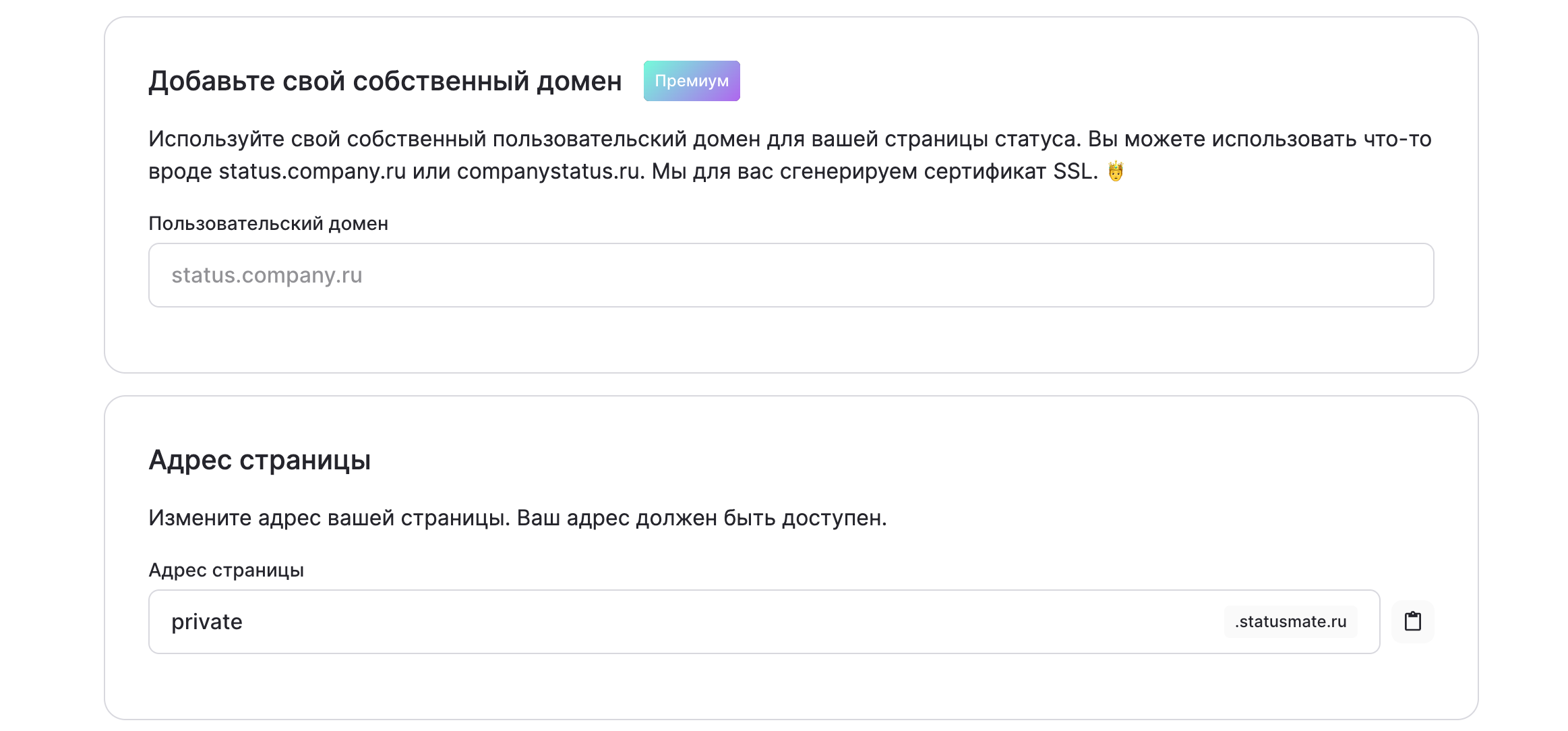
3
After configuring the custom domain, click Save changes, and the page will be available at the new address.4
Set Up DNSAdd a configuration record to your DNS provider. It will usually look something like this:
Host
Points to
TTL
status
YOUR_SUBDOMAIN.statusmate.ru
Leave the default value.
You can do this with most registrars by following these steps:
- Go to the domain settings page
- DNS Management
- Add a record
- Select CNAME record type
- Choose HostUsually this is status, but you can choose any host — it will become your subdomain
- Set Points toto YOUR_SUBDOMAIN.statusmate.ru
- Leave TTLat its default value
Congratulations! You can now use your own domain 🚀
The first visit may take some time to load, but everything will work great afterward!