Reference
Team Management
You can manage the members of your team or group within the framework of your project or business. Here you can invite new members, remove old ones, view the list of all members, and manage their access levels.
Adding Team MembersGo to the team, then click the Invite Member button:
Enter the email of your new member and click Invite Member.
Enter the email of your new member and click Invite Member.
statusmate.top
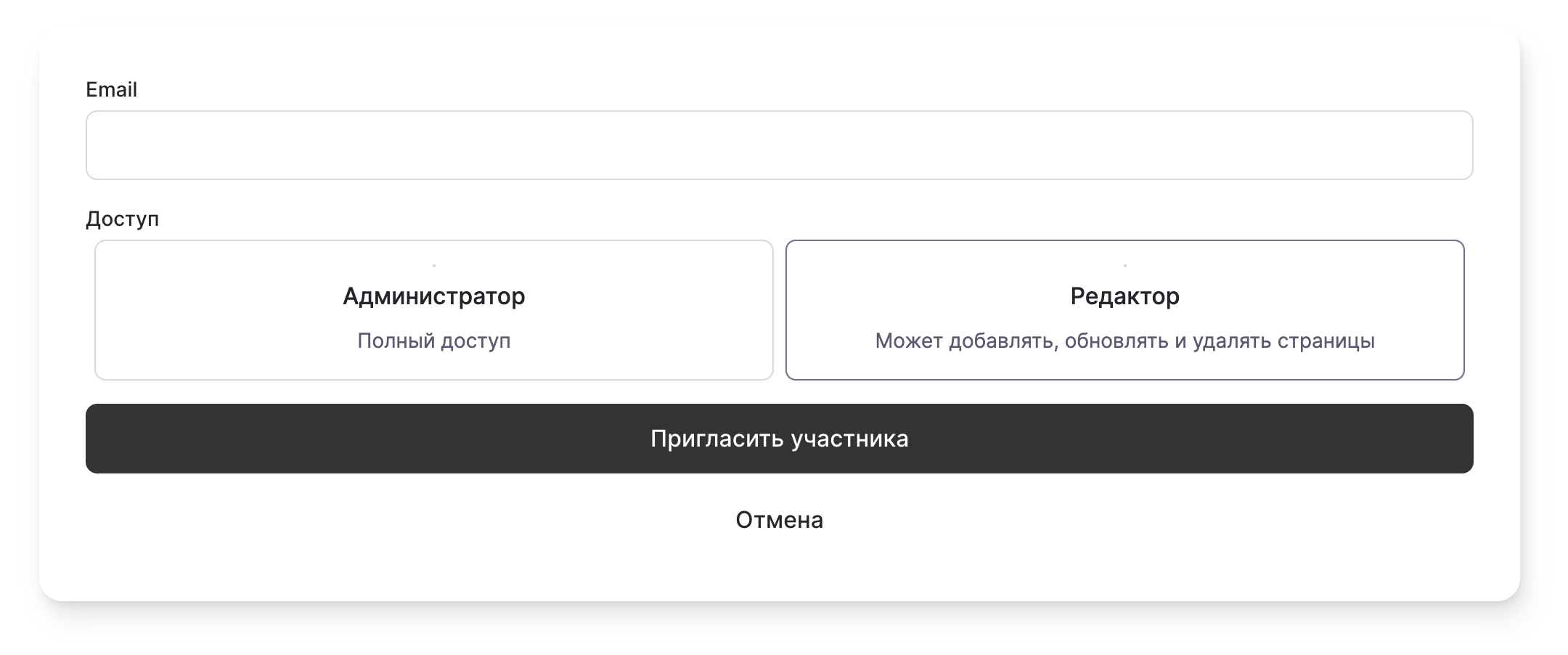
Our team roles:
- Administrator: Full access to all settings.
- Editor: Can add, update, and delete content on the status page.
Your team has grown! 👩💻👨🏻💻👩🏼💻👨🏽💻👩🏾💻👨🏿💻
You can remove a team member by clicking
Remove Member
, then click Confirm
.Your colleague has been removed from the team 😿